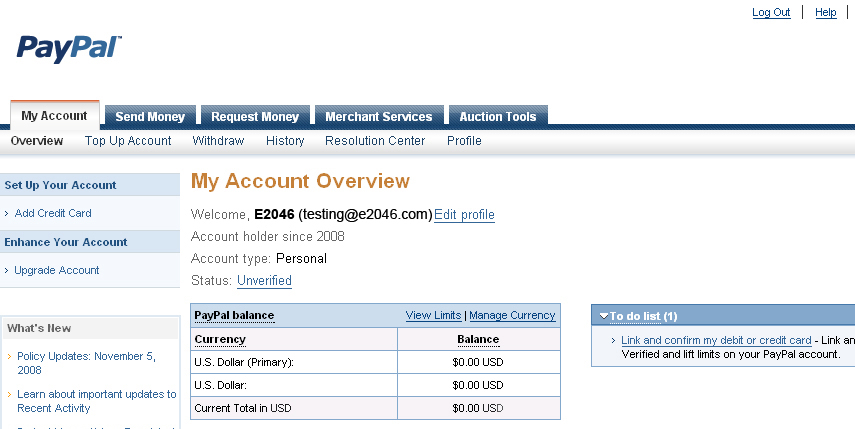
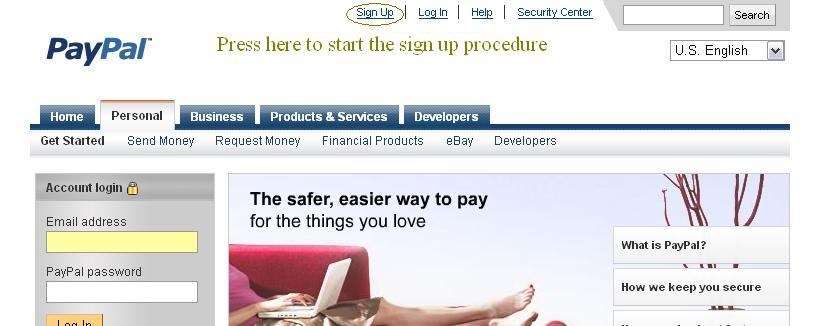
Go to PayPal and follow the instruction as below to finish the registration
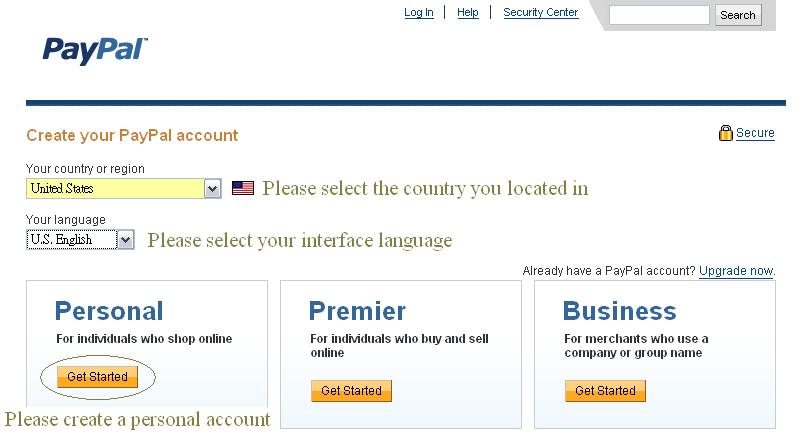
Select the country/state you currently in and the language of your PayPal interface
And setup a personal account
Fill in the requested information
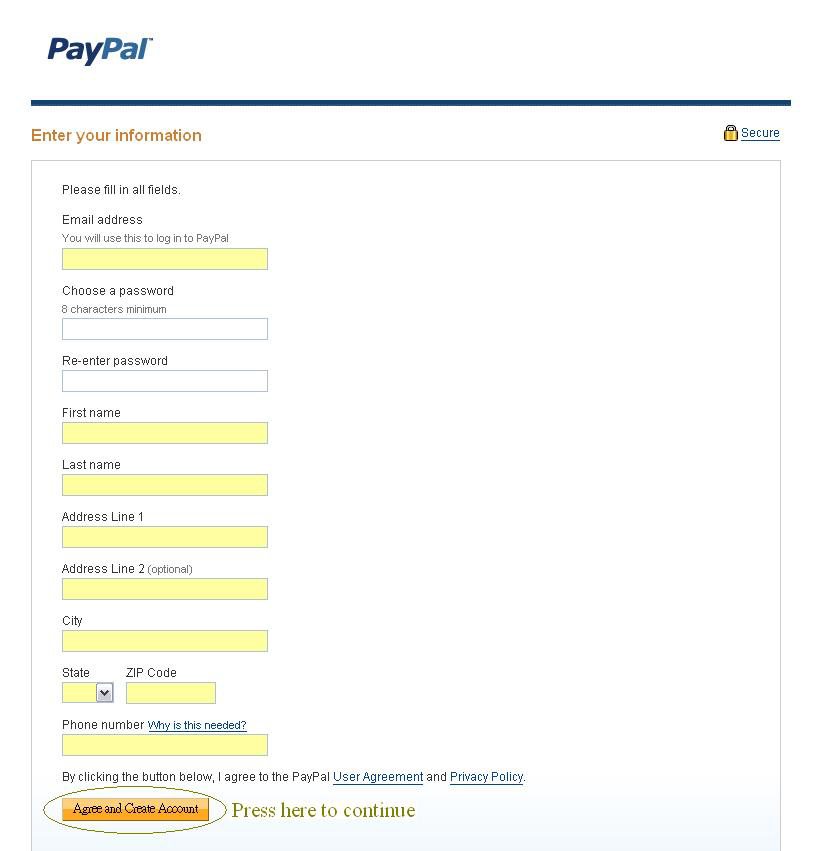
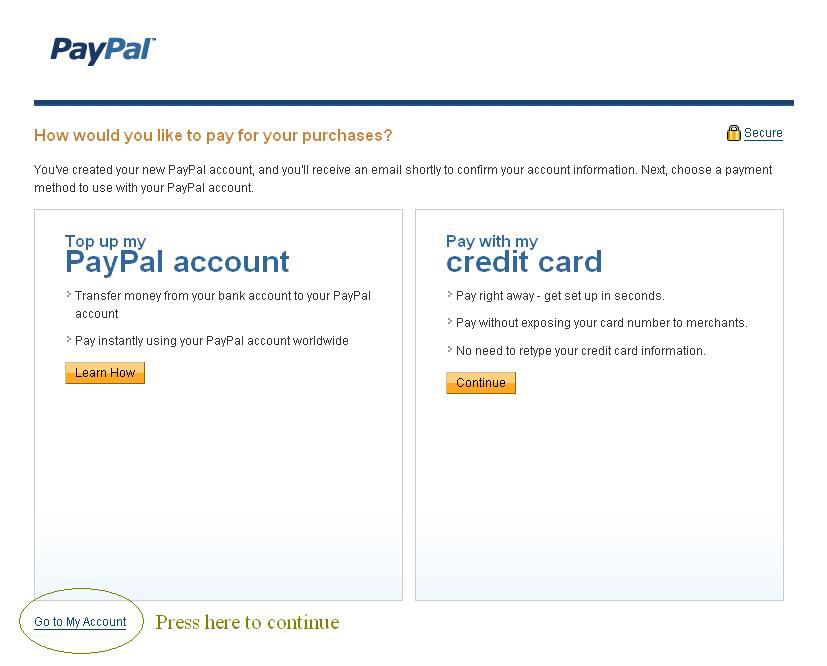
Click the indicated link shown below